
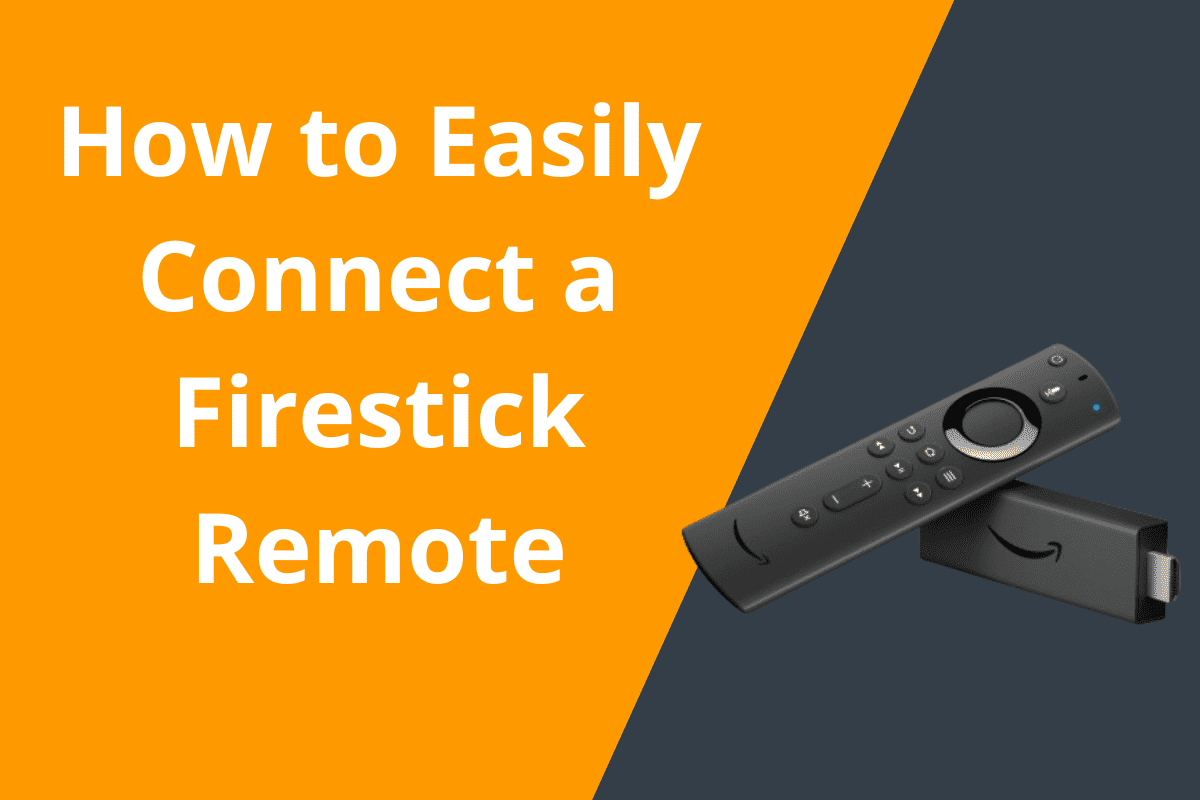
How to Easily Connect a Firestick Remote in MinutesImage of a Firestick remote with connection icons and pairing signals, symbolizing the easy setup process.How to Easily Connect a Firestick Remote in Minutes
How to Easily Connect a Firestick Remote in Minutes for IPTV 1.0
Connecting a Firestick remote for IPTV 1.0 is a straightforward process that can be completed in just a few minutes. Whether you’re setting up your Firestick for the first time or need to re-pair a remote, this tutorial will guide you through the steps to ensure a seamless connection.
Step 1: Prepare Your Firestick and Remote
Before you begin the pairing process, make sure your Firestick is powered on and connected to your TV. Ensure that the batteries in your remote are fresh and properly inserted.
Step 2: Access the Firestick Settings
Using the Firestick remote, navigate to the home screen and select “Settings” from the menu.
Step 3: Pair the Remote
Once in the Settings menu, select “Controllers & Bluetooth Devices” and then choose “Amazon Fire TV Remotes.” From here, you’ll have the option to add a new remote. Press and hold the Home button on your remote for 10 seconds to initiate pairing mode. Your Firestick should detect the remote and automatically connect.
Step 4: Test the Connection
After pairing the remote, test its functionality by navigating through the Firestick interface. Make sure all buttons are responsive and that you can control the volume and power on your TV.
Troubleshooting and Optimization
If you encounter any issues during the pairing process, try the following troubleshooting tips:
1. Check Remote Batteries
If your remote is not responding, replace the batteries with fresh ones and try pairing again.
2. Restart Your Firestick
Unplug your Firestick from the power source, wait a few seconds, and plug it back in. This can often resolve connectivity issues.
3. Reset Your Remote
If all else fails, you can reset your remote by holding down the Home button and the Back button simultaneously for 10 seconds. This will unpair the remote, allowing you to pair it again from scratch.
4. Update Firestick Software
Make sure your Firestick is running the latest software version by going to “Settings” > “My Fire TV” > “About” > “Check for Updates.” Updating your Firestick can improve performance and connectivity.
Conclusion
Connecting a Firestick remote for IPTV 1.0 is a simple process that can be completed in just a few minutes. By following the steps outlined in this tutorial and utilizing the troubleshooting tips provided, you can ensure a smooth and efficient pairing experience. Enjoy seamless control of your Firestick and IPTV content with your newly connected remote!

3831bet.info eh? I was skeptical at first, but honestly, it’s grown on me. They have a good variety of games and the customer service is pretty responsive. Throwing it out there! 3831bet
Phlove1? Okay, I’m in love! (pun intended 😂) Seriously though, the site’s clean, the games are fun, and it’s generally a good time. Check ’em out! phlove1
Yo! Thinking about joining BHT Club? Signing up is pretty straightforward. Just make sure you’ve got an email address and a strong password. Here’s the signup link: bhtclubsignup
888jogosbet é confiável. Boas opções de apostas em diversos esportes. Plataforma fácil de usar, recomendo 888jogosbet.
188V tự hào giới thiệu sảnh bắn cá 3D với đồ họa sắc nét, mang lại trải nghiệm săn thưởng kịch tính dưới lòng đại dương. Với hơn 50 loại boss khác nhau, mỗi ván chơi đều là một cuộc phiêu lưu thú vị chứa đựng những phần quà Jackpot hàng tỷ đồng. TONY01-26
I will immediately grab your rss as I can’t find your email subscription link or newsletter service. Do you’ve any? Kindly let me know so that I could subscribe. Thanks.
Another solid link for M888 is linkm888. I use it when the main site’s being slow. Keeps me in the action. Check it out: linkm888
ww888ww88 is my go-to portal for W88 gaming. Reliable access, good performance. Gets you right where you need to be. Try it here: ww888ww88
Heard some talk about vin5555k. Looks like a newer platform. Anyone tried it out yet? Might be worth a shot: vin5555k
slot365 app là lựa chọn của hơn 2 triệu người chơi Việt – con số này đủ nói lên độ uy tín và chất lượng dịch vụ. TONY03-23O
Enjoyed studying this, very good stuff, appreciate it.
I am curious to find out what blog platform you have been utilizing? I’m experiencing some minor security problems with my latest website and I’d like to find something more safe. Do you have any solutions?
trang chủ 66b mang đến dịch vụ chăm sóc khách hàng chuẩn 5 sao, phục vụ tận tình mọi lúc mọi nơi kể cả ngày lễ tết. TONY04-25
Với hệ sinh thái giải trí toàn diện, 888SLOT không chỉ là nơi cá cược mà còn mang đến không gian thư giãn đúng nghĩa. Người chơi có thể vừa giải trí vừa thử vận may với nhiều hình thức cược khác nhau. TONY05-07
Slot game tại 888slot poker có biểu tượng Wild, Scatter, Free Spin phong phú – tăng tỷ lệ thắng và mang lại cảm giác phấn khích tột độ. TONY05-15
Some times its a pain in the ass to read what blog owners wrote but this web site is real user genial! .
Good post. I learn one thing more difficult on totally different blogs everyday. It’ll all the time be stimulating to learn content from other writers and observe a little one thing from their store. I’d prefer to make use of some with the content on my blog whether you don’t mind. Natually I’ll offer you a hyperlink on your web blog. Thanks for sharing.
66B là một nhà cái không thể không nhắc đến khi nói về lĩnh vực cá cược trực tuyến. Với sự phát triển mạnh mẽ trong nhiều năm qua, nhà cái đã khẳng định vị thế của mình trên thị trường cá cược. Hàng triệu người chơi đã tin tưởng và lựa chọn nhờ uy tín, dịch vụ chất lượng, cùng với hệ thống trò đa dạng các chính sách khuyến mãi hấp dẫn. Trong bài viết này sẽ giúp bạn hiểu thêm về nhà cái này nhé. TONY07-03
Really clear website , appreciate it for this post.
Great post. I used to be checking continuously this blog and I’m inspired! Extremely useful information specifically the ultimate section 🙂 I maintain such info much. I used to be looking for this certain info for a long time. Thank you and good luck.
I believe other website owners should take this internet site as an example , very clean and superb user friendly design and style.
I have tried many sites but this one stands out for its consistency. The gameplay is fair and the atmosphere is just right. Check harus777login out.
The customer support team is incredibly helpful and answered my questions instantly. It makes me feel safe playing here. Check out idasianwin88
Great selection of live dealer games. It feels just like being in a real casino from the comfort of my home. Love bet356casino.
PPFocus is committed to adding practical tools that save you time. 9771d50c.
Tôi đã giới thiệu trang này cho vài người bạn của mình vì trải nghiệm khá tốt, đăng ký nhanh và không gặp vấn đề gì khi sử dụng stream india apk TONY08-28
Simple and efficient. I dont like complicated sites and this one gets straight to the point. Easy navigation and fast loading at ok999login.
[8285]2222bet Official Login | সেরা অনলাইন ক্যাসিনো এবং স্লট গেম,2222bet-এ লগইন করে সেরা স্লট গেমের নিয়ম জানুন এবং বিকাশ দিয়ে টাকা জমা করে গেম শুরু করুন। আজই অ্যাপ ডাউনলোড করে আপনার যাত্রা শুরু করুন। visit: 2222bet
Really impressed with the user interface. Everything is so easy to find and the loading speed is top notch. Love phaaajili7!
Signed up for 377jlilogin the other day. The login process was smooth as butter. Definitely worth a look if you’re after easy access! 377jlilogin